Single-family · One house

One house. One link. Done.

Set up monthly rent in an afternoon. No code.

One house, three screens

The houseone product
→
Subscriptionmonthly rent
→
Bank Autopaytenant links bank
→
Your payoutto your bank
Step 1 · Stripe

Add the house

  1. Product catalog › Add product
  2. Name: “123 Oak St”
  3. Recurring · Monthly · rent

That’s your whole catalog.
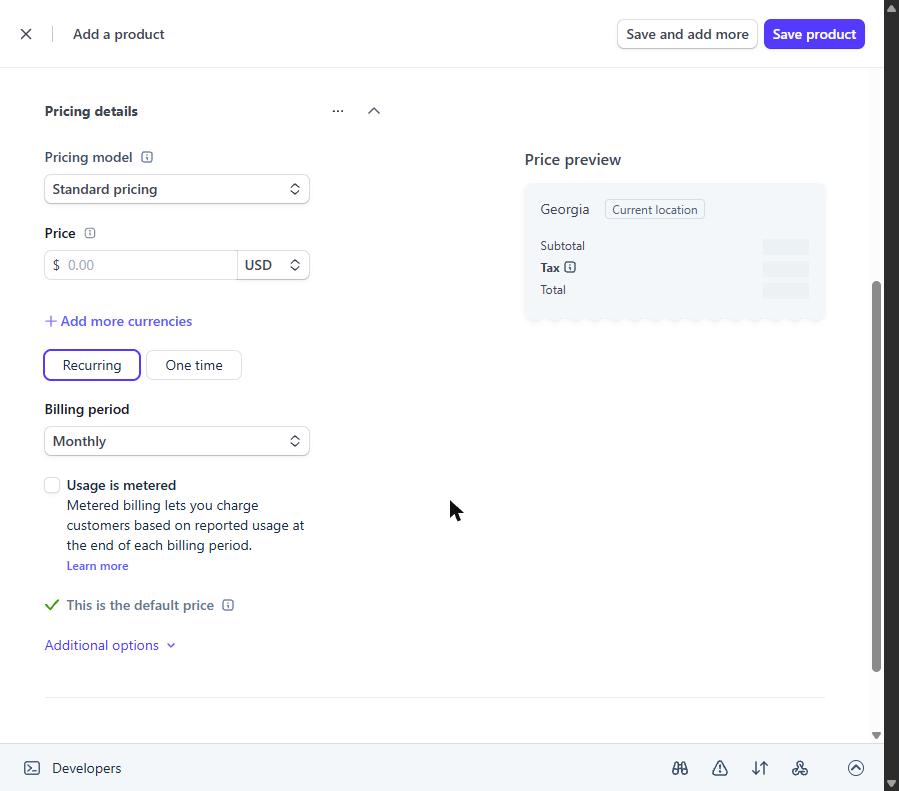
Stripe recurring monthly price
Step 2 · Stripe

Send the tenant a link

  1. Payment Links › New › the house
  2. Allow bank (ACH) + card
  3. Tenant pays once, Autopay is set

The link starts the subscription for you.

Payment Linktext it
→
Tenantlinks bank
→
Autopay onevery month
Step 3 · Stripe

Let them manage it

  1. Settings › Billing › Customer portal
  2. Share the portal login link

Tenant updates the card. You never see it.
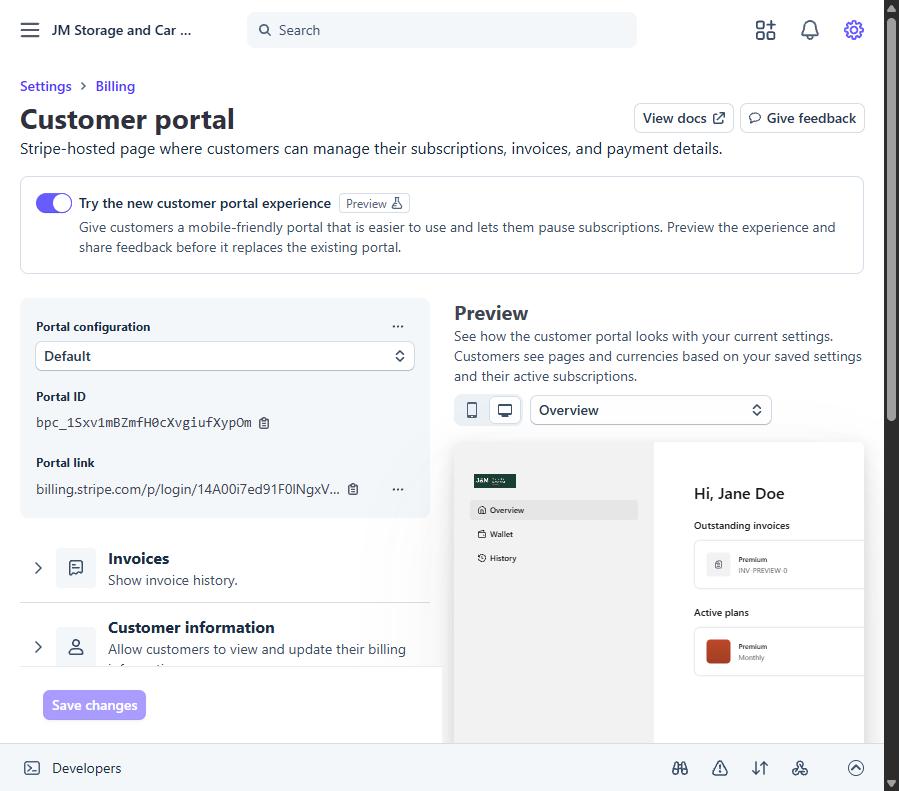
Stripe customer portal settings
Step 4 · Stripe

Deposit and extras

  1. Invoices › Create
  2. Deposit at move-in
  3. Repairs they owe, pet fees

Keep the lease and deposit rules in writing.
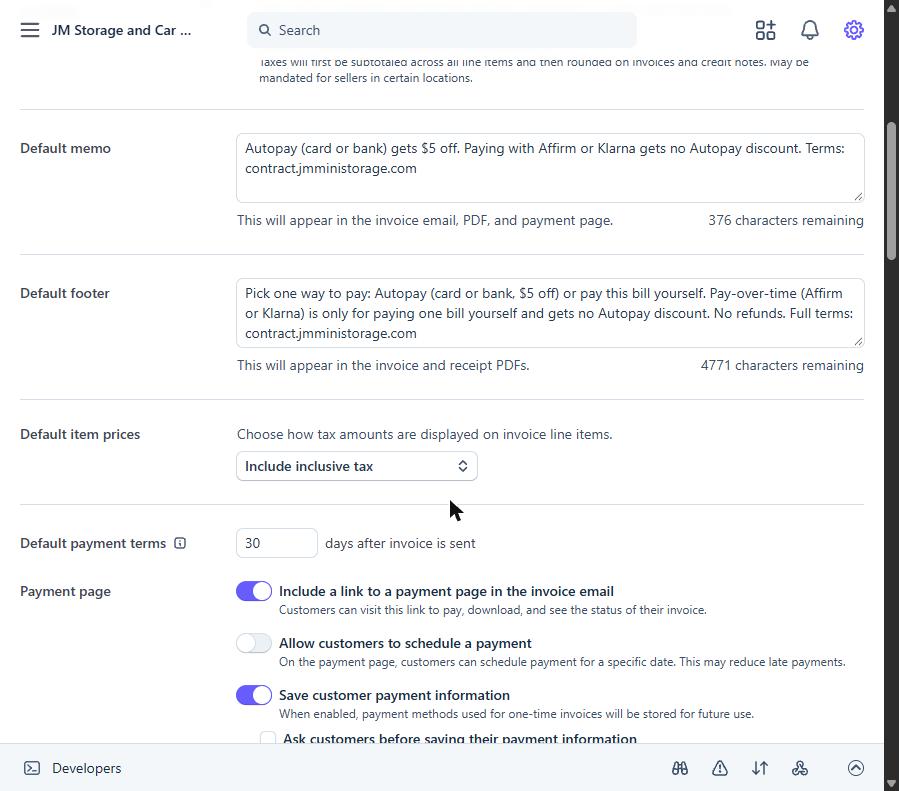
Stripe invoice settings

DIY vs rent software

Stripe DIY

You own it

  • No monthly software fee
  • Bank rent ≈ $5 per month
  • You handle screening and leases
Landlord apps

All-in-one

  • Screening, leases, maintenance tickets
  • Their fees and their rules
  • Harder to move later

What it costs on $1,800 rent

$5

Bank Autopay

≈ $52.50

Card

$1.50

Optional ID check

References

Hand-off

Give this to any AI or helper

Set up rent for my single-family rental in my Stripe account: one product for the house with a monthly price, a Payment Link that starts a subscription with bank (ACH) and card allowed, the customer portal on with cancel off, and invoices for the deposit. Use test mode and a Disney-named test tenant first. Never refund or change live rent without my OK. Show me each screen before saving.